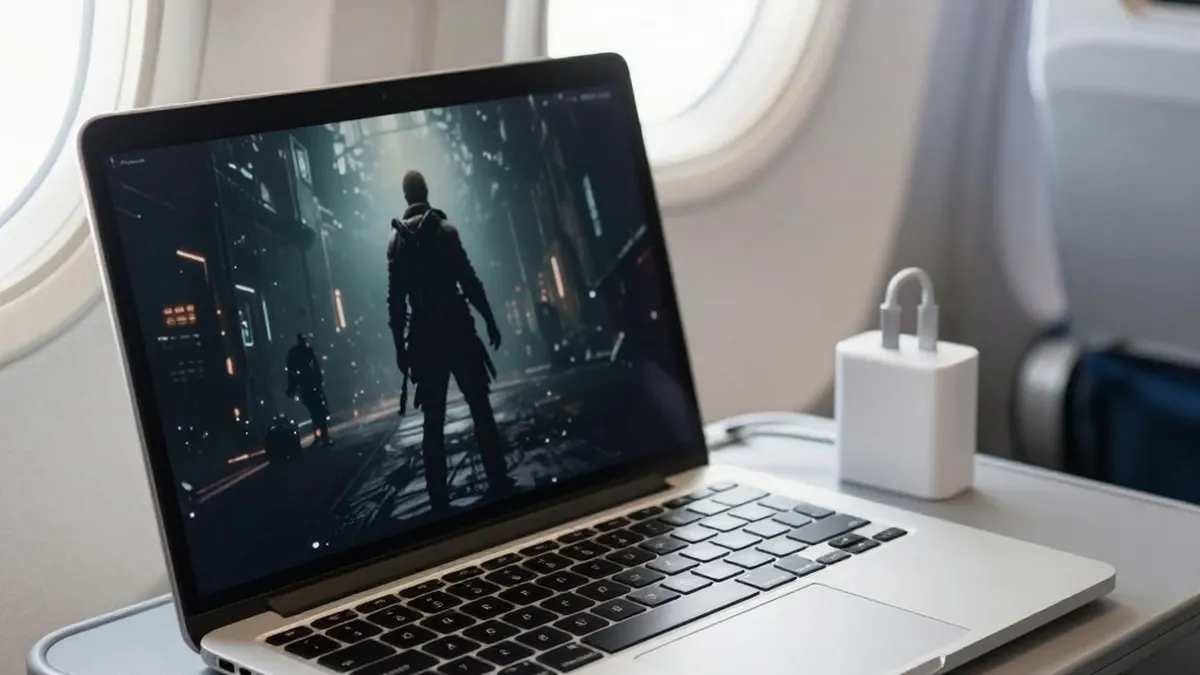
Microsoft's Surface Laptop Ultra, built on Nvidia's RTX Spark platform, is aimed mainly at local AI inference and content creation, but it also has real gaming credentials. According to Tom's Hardware, its vented keyboard keeps the WASD keys cool under load, the 120Hz display can reach 2000 nits in HDR games, and its speakers may be the best the reviewer has heard on a laptop.
The weak point is the screen's 3270x2180 resolution. DLSS upscaling carries a computational cost that grows with output resolution, and the panel has only 14% fewer pixels than a 16:9 4K display. Its 3:2 aspect ratio adds a second difficulty: 16:9 and 16:10 content is stretched vertically to fill the screen, distorting character models and objects such as tires, while a windowed 16:9 or 16:10 game on a screen this size quickly tires the eyes.
Microsoft does include a 1600x1024 custom resolution, slightly under half of native on each axis. At roughly 1.6 megapixels, though, that is less detail than a 1920x1080 display provides, and the image looks noticeably soft even before DLSS is applied.
The fix, according to the reviewer, is a 3:2 mode close to the 2.07 megapixels of 1080p. Rounding the numbers gives 1764x1176. Because the Nvidia Control Panel does not work on Windows on Arm, the resolution was created in the Nvidia App instead, through the System tab and the Display Properties pane's "Customize Resolution" button. A 1764x1176 mode at 120Hz was added and confirmed to work. Anyone wanting the 3.7 megapixels of 2560x1440 can add 2352x1568 the same way. The app's Scaling pane also offers an "Aspect Ratio" mode that letterboxes non-3:2 content, though the reviewer assumes buyers of a $5899 machine will want to use every pixel.
To test the change, the reviewer played Control Resonant at the High raster preset and medium ray tracing, which includes DLSS Ray Reconstruction. At native resolution, even DLSS Ultra Performance (a 1090x727 input) with 2X frame generation barely cleared 60 FPS, with average latency of 87 ms and no headroom left for multi-frame generation.
At 1764x1176 with DLSS Quality (a 1176x874 input), the Surface averaged 83.4 FPS, with 42.9 FPS 1% lows and 67.8 ms average input latency. Enabling MFG 3X raised that to a 123 FPS average and 55 FPS 1% lows, with latency of 71 ms.
For perspective, the reviewer compared it with an older 17-inch laptop containing a Core i9-11980HK and an RTX 3080 Mobile 16GB. Optiscaler was used to add Intel's Xe Frame Generation and Xe Low Latency to the game on that machine so the comparison would be fairer. At 1920x1080 and the same quality settings, it managed an 87.1 FPS average, 53 FPS 1% lows and 69 ms average latency. Its advantage was in 1% lows.
Power and portability favored the Surface. The older laptop pulled 250 W from the wall, while the Surface drew between 110 W and 120 W under load. The RTX 3080 system and its large adapter weigh more than nine pounds (4.1 kg), against 5.3 lb (2.39 kg) for the Surface and its 140W charger. The reviewer also says the Surface's battery life is enough to cover a transcontinental U.S. flight with charge to spare.
The reviewer concludes that, in Control Resonant at least, the Surface Laptop Ultra delivers largely the same gaming experience as the RTX 3080 Mobile machine in a smaller, lighter package using less than half the wall power, and with MFG support the older system lacks. The article was written by Jeff Kampman, Senior Analyst, Graphics at Tom's Hardware.